
Keeping a Fire TV awake: how a live photo wall holds off the Vega OS screensaver
On this page
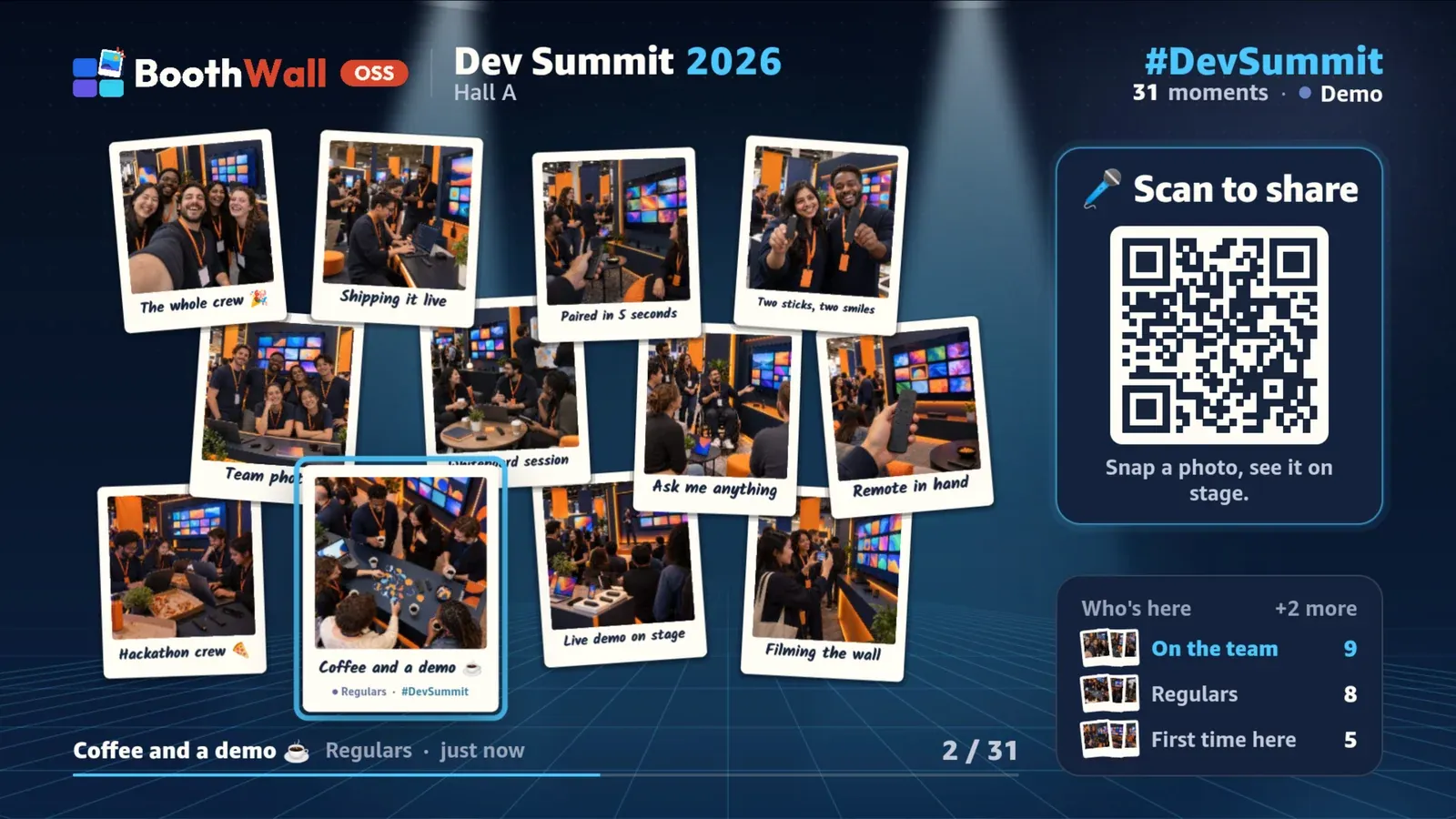
A photo wall is the opposite of a typical TV app. Nobody touches the remote. The TV sits at the side of a room for a whole evening while guests send photos from their phones, and the wall keeps moving on its own: new photos land, polaroids drift, the spotlight steps through the best ones.
On a Fire TV Stick running Vega OS, that wall went dark after five minutes. It went into our notes on 10 October.
What Vega does after five minutes
After five minutes without a key press, Vega OS launches its screensaver over whatever is in the foreground. That is the default, and people can only change it in Settings → Display & Sounds → Ambient Experience, which is not something you want to ask an event host to find on someone else’s TV.
It doesn’t matter that the app is drawing: a wall full of animated photos is, as far as the system is concerned, an idle screen.
What doesn’t work
The usual tools from other platforms aren’t there:
- No keep-awake API. There’s no Vega equivalent of Android’s
FLAG_KEEP_SCREEN_ON, and no port ofexpo-keep-awake. - No manifest privilege for it. Nothing in
manifest.tomlasks the system to keep the display on. - The User Engagement API isn’t it either.
com.amazon.kepler.user_engagementsounded promising. We called it from a Turbo Module, and the screensaver still came on, right on time. It marks an existing playback session as watched; it doesn’t create one.
What Vega actually listens to
The device log gave it away. With the wall running, the resource manager logged:
app's active session ... is not one of the display session(s)Vega holds the display on for an app with an audio or video playback session. A streaming app gets that for free. A photo wall has none, so the system rightly treats it as idle.
The fix: play something
So the wall plays something: five minutes of silent audio, on a loop, while it’s in the foreground.
import { AudioPlayer } from "@amazon-devices/react-native-w3cmedia";
import { Image } from "react-native";

// Five minutes of silent 8 kbps mono MP3, played on a loop. A long file means the
// playback session only restarts every five minutes, when the loop wraps.
const SILENCE = require("@/assets/audio/silence.mp3");

export async function createSilentAudio() {
  const player = new AudioPlayer();
  await player.initialize();
  player.loop = true;
  // The player opens a plain file path; it fails on a file:// URL.
  player.src = Image.resolveAssetSource(SILENCE).uri.replace(/^file:\/\//, "");
  // ...play, pause and release
}
A React hook ties it to the app’s state: play in the foreground, pause in the background.
const sync = (state: AppStateStatus) => {
  if (state === "active") audio?.play();
  else audio?.pause();
};
That last part matters. The moment the wall leaves the foreground, the silence stops and the screensaver behaves normally again. We only keep the TV awake while it’s doing the one job it’s there for.
Two catches
AudioPlayer from @amazon-devices/react-native-w3cmedia opens a plain file path, but the bundled asset resolves to a file:// URL. Strip the scheme first, or playback fails without much of a hint.
The player also needs the media modules in the manifest’s [needs], which the build adds on its own once the package is installed, and the media services in [wants], which you add yourself:
# Media playback for the silent keep-awake audio. Vega only holds
# off the screensaver while an app has an audio or video playback session.
[[wants.service]]
id = "com.amazon.mediametrics.service"

[[wants.service]]
id = "com.amazon.mediabuffer.service"

[[wants.service]]
id = "com.amazon.mediatransform.service"
Our manifest also lists com.amazon.audio.stream, com.amazon.audio.control, com.amazon.media.server and com.amazon.media.playersession.service. We haven’t tried taking them out one at a time to see which of the seven the player really needs, so treat our list as one that works rather than the shortest one.
The player is also something to clean up after. Our hook creates it once, and if the screen unmounts before the player has finished initialising, it releases the new player straight away instead of leaving it playing with nobody holding it. Releasing means pausing and then calling deinitialize().
The same session carries the remote’s media keys
The silent player turned out to be useful for something else. On Vega, the remote’s Play/Pause, Next and Previous never reach useTVEventHandler, the hook that hears the D-pad and OK. The runtime hands them to the system’s media controller, which looks for an app with a media session. With none, the device log says:
kepler-media-controller-plugin:handleAction:59: no active session found in player session media controls...and the key press is gone. A photo wall with a Play/Pause button that does nothing isn’t great, so we gave the system the session it was looking for: the silent player. It takes media control focus with setMediaControlFocus(componentInstance, handler), set before initialize() as Vega’s media controls guide does it, and the handler is our own subclass of KeplerMediaControlHandler:
override async handleTogglePlayPause() {
  this.commands.toggle();
}

override async handleNext() {
  this.commands.next();
}
Every command goes to the wall: Play/Pause pauses the slideshow, Next and Previous step through photos. None of them ever reaches the silent player, which has to keep playing whatever the remote says. In our checks on the Virtual Device, the player’s timeupdate events kept coming while we paused and resumed the wall.
The manifest needs the media category on the component and a provider entry, with Next and Previous listed in command_options:
categories = ["com.amazon.category.main", "com.amazon.category.kepler.media"]

[[extras]]
key = "interface.provider"
component-id = "com.boothwall.app.main"

[extras.value.application]
[[extras.value.application.interface]]
interface_name = "com.amazon.kepler.media.IMediaPlaybackServer"
command_options = ["Next", "Previous"]
Three things cost us time here. After a fresh install, nothing arrives until the app has been launched a second time; the system logs “No active media control present to perform action”, and setting focus earlier doesn’t change it. Our pnpm try script simply launches the app twice. The “Get started with Vega Media Controls” sample calls MediaControlServerComponentAsync.getOrMakeServer() without keeping the result and only shows four of the handler methods, so we read KeplerMediaControlHandler.d.ts in the package for the full list. And until we implemented handleGetMetadataInfo, the default handler logged “MediaControlHandler: NOP: Getting metadata” every few seconds while the system polled it.
Alexa’s voice commands go through Media Controls too. On 20 October we tried them on our Stick: “Alexa, pause” and “Alexa, next” land in the same handler and work. “Alexa, play” and “Alexa, resume” do nothing yet. Our best guess is the silent loop from this post: the session always reports that it’s playing, so there’s nothing for Alexa to resume. We haven’t fixed that, so for now we only promise pause and next.
Why five minutes of silence, not one second
A short file would loop constantly, and every wrap restarts the playback session. A five-minute file at 8 kbps mono is tiny and wraps once every five minutes, so the session stays steady and the Stick does almost no work for it. The arithmetic is easy to check: 8,000 bits a second for 300 seconds is 300,000 bytes, and our silence.mp3 is 300,428.
Is this a hack?
It’s a workaround, and we call it that in the code. It holds on a real Fire TV Stick, not just the Virtual Device: our Stick ran a build with the silent loop, and the screensaver stayed away. It uses only public APIs, it respects the foreground and background states, and it stops the moment the app isn’t on screen. The cleaner answer would be a small keep-awake API on Vega for kiosk-style apps: signage, dashboards, event walls. Until one exists, playing silence is the honest way to tell the system what’s true: this app is being watched.
The code lives in apps/tv-vega/src/features/keep-awake and features/media-controls of the open-source TV app, and the rest of what we learned is in our field notes on building for Vega OS.
Just want the wall at your event? BoothWall Cloud is coming soon to run it for you. Get notified